Skip to content

Lead Flow

WhatsApp lead generation for WordPress — capture the lead before the chat opens.

Free version available. Pro from $29.00 one-time

  • One payment, 12 months of updates
  • Works after the year ends
  • Try the Free version first — no card needed
Lead Flow — screenshot

Plans

Every paid plan is one payment with 12 months of updates. Prices exclude GST for Indian buyers.

Lite

Simple WhatsApp lead capture. Forever free.

Free

1 WordPress site

  • Floating WhatsApp button with lead form
  • Name and phone captured before chat opens
  • Unlimited leads saved in WordPress
  • Leads dashboard with 7/30-day stats
  • Email alert for every lead
  • Community email support
Download free

Any WordPress site that wants a WhatsApp button that also saves the lead.

Pro

Advanced lead tools for growing businesses

$29.00one-time

1 WordPress site · 12 months of updates

  • Everything in Lite
  • Department routing to multiple numbers
  • Email field, GDPR consent, custom labels
  • UTM tracking, GA4 events, webhooks to Zapier or Make
  • Show/hide by page, device, business hours, scroll and exit intent
  • CSV export and bulk actions
Buy Pro

Businesses that want routing, tracking and display rules.

Pro Max

AI chatbot trained only on your documents

$149.00one-time

1 WordPress site · 12 months of updates

  • Everything in Pro Plus
  • Open-text AI chat from your uploaded .docx
  • Answers only from your document — no hallucination
  • Safety filter that blocks medical, emergency and off-topic queries
  • Bring your own OpenAI or Gemini key
  • White label and onboarding call
Buy Pro Max

Hospitals and service businesses that want answers from their own content, safely.

Prices in USD. Indian billing addresses are charged 18% GST at checkout and receive a GST tax invoice. Staging and localhost sites never count against a licence. WordPress Multisite plan coming soon. All sales are final — see the License Agreement and Refund Policy.

Compare every feature across plans
FeatureLiteFreePro$29.00 oncePro Plus$79.00 oncePro Max$149.00 once
Core widget
Floating WhatsApp button with pulsing animation
Button position, colour, edge margin, tooltip
Auto popup after delay8 s fixedCustomCustomCustom
Mobile responsive, works with any theme, no page builder needed
Lead capture form
Name and phone popup form
Custom welcome message and pre-filled WhatsApp text
Visitor sends from their own WhatsApp — no API
Honeypot, rate limiting and nonce protection
Email field, GDPR consent checkbox, custom labels
Leads database & dashboard
Unlimited leads saved in WordPress
Stats: today, 7 days, 30 days, all time
Page URL, title, date and time per lead
Search, date filter, delete
Bulk delete and CSV export
UTM campaign tracking
Email notification per lead
Multiple recipients and custom email template
Display rules
Hide on specific pages or post types
Mobile-only or desktop-only
Business hours with offline message
Scroll trigger and exit intent
Full-width sticky bar on mobile
Routing & integrations
Department dropdown routing to multiple numbers
Department-specific pre-filled messages
GA4 events and Google Tag Manager
Webhook per lead (Zapier, Make, CRM)
Shortcode for inline buttons
Guided MCQ chatbot
Multi-step question flow with branching logic
Up to 8 answers per question, unlimited depth
Drag-and-drop builder with preview
Answers compiled into WhatsApp message and saved
Team / doctor directory manager
AI chatbot
Open-text chat answered only from your .docx
Safety filter for medical, medication and emergency queries
Blocked query redirect and custom message
Bring your own OpenAI or Gemini API key
MCQ and AI combined in one widget
Conversation history in dashboard
Technical & support
WordPress Multisite
Translation ready (WPML)
White label
Updates includedFree forever12 months12 months12 months
SupportWordPress.org forumEmailPriorityPriority + onboarding call
DownloadBuy ProBuy Pro PlusBuy Pro Max

Swipe to compare all plans

  • GST-registered business
  • Secure checkout by Razorpay
  • Free version to try first
  • One-time payment, 12 months of updates

Visitor taps the button

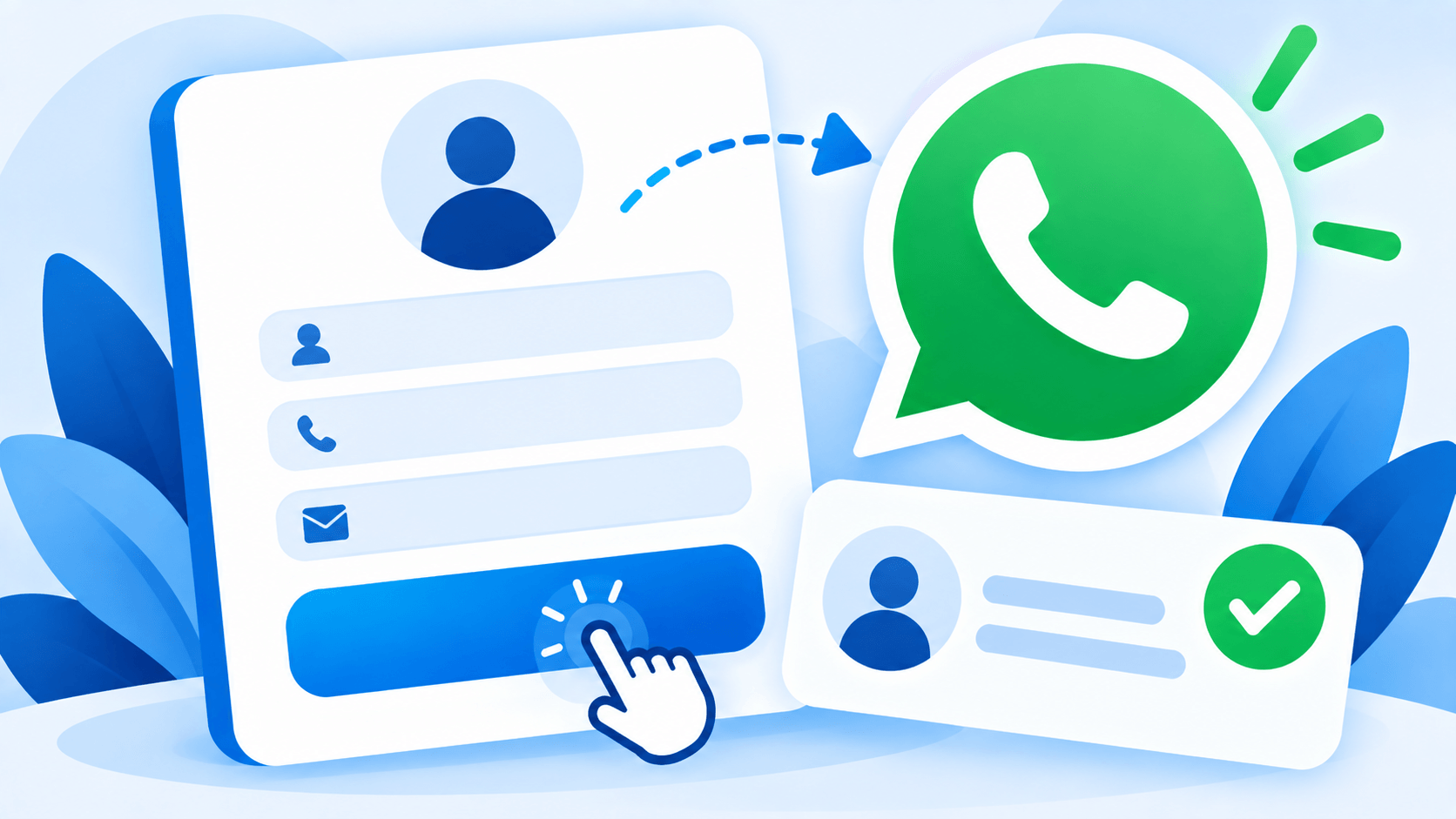
A floating WhatsApp button with a short form: name, phone, and what they need.

Lead is saved first

The lead lands in your WordPress dashboard and your inbox before WhatsApp even opens.

Chat starts with context

WhatsApp opens on the visitor's phone with a message already written — to the right department.

Most WordPress sites that add a WhatsApp button are making a bet: that the visitor will actually press send. In practice, a lot of people tap the button, glance at the pre-filled message, and close the app without ever sending it — and the site owner never knows that visitor existed. Lead Flow was built around a different assumption: capture the lead first, then open WhatsApp. If the visitor never sends a message, you still have their name, their number, and what they were asking about.

Continue reading — full details, scenarios, and how it works

What Lead Flow actually does

A floating WhatsApp button sits on your site. When a visitor taps it, Lead Flow shows a short form — name and phone, at minimum — before WhatsApp ever opens. That lead is saved to your WordPress dashboard and emailed to you immediately, and only then does WhatsApp open on the visitor’s own phone, with a message already written. There is no WhatsApp Business API account to apply for, no approval process to wait on, and no per-message fee, because the visitor is sending from their own personal WhatsApp the entire time — Lead Flow just makes sure the conversation, and the lead behind it, is never lost even if that message never actually gets sent.

Why “capture before chat” is the entire point

A plain WhatsApp button is a bet you have no way of tracking: you do not know how many visitors tapped it, how many actually sent a message, or what happened to the ones who did not. Lead Flow removes the guessing. Every tap that reaches the form becomes a recorded lead regardless of what happens next in WhatsApp itself, which means your lead count reflects genuine interest, not just how many people successfully completed a hand-off to a separate app. For a business where a missed enquiry is a missed sale or a missed patient, that difference between “we think people are interested” and “here are their names and numbers” is the entire value of the plugin.

From a button to an actual lead pipeline

Lite is a complete, permanently free WhatsApp lead-capture widget: the button, the capture form, unlimited leads saved in your dashboard, a leads overview with 7 and 30 day stats, and an email alert the moment someone gets in touch. It is not a trial — it stays fully functional for as long as you use it.

Pro turns that widget into something closer to a lead pipeline. An optional email field and GDPR consent checkbox make the form fit for businesses that need documented consent. Every lead carries its UTM source, medium, and campaign, so you can see which ad or post actually produced the enquiry instead of guessing from total traffic. A department dropdown routes different enquiry types to different WhatsApp numbers with their own pre-filled messages — a dental enquiry goes to the dentist’s number, a billing question goes to admin, and nothing has to be manually forwarded between departments. Display rules let you show the widget only on the pages, devices, or hours you actually want it visible on, with a business-hours-aware offline message for the rest of the time. A webhook can push every lead straight into Zapier, Make, or a CRM the moment it is captured, and GA4 events let the widget’s activity show up alongside the rest of your analytics instead of living in a separate silo.

Pro Plus adds a guided, multiple-choice conversation that runs before WhatsApp opens — built in the dashboard with a drag-and-drop question builder, branching logic, and up to eight answers per step. Instead of a single open text field, a visitor can be walked through two or three quick questions, and their answers are compiled directly into the WhatsApp message and saved with the lead, so whoever picks up the conversation already has context instead of starting from “how can I help you today.”

Pro Max: a local document engine, not an external AI

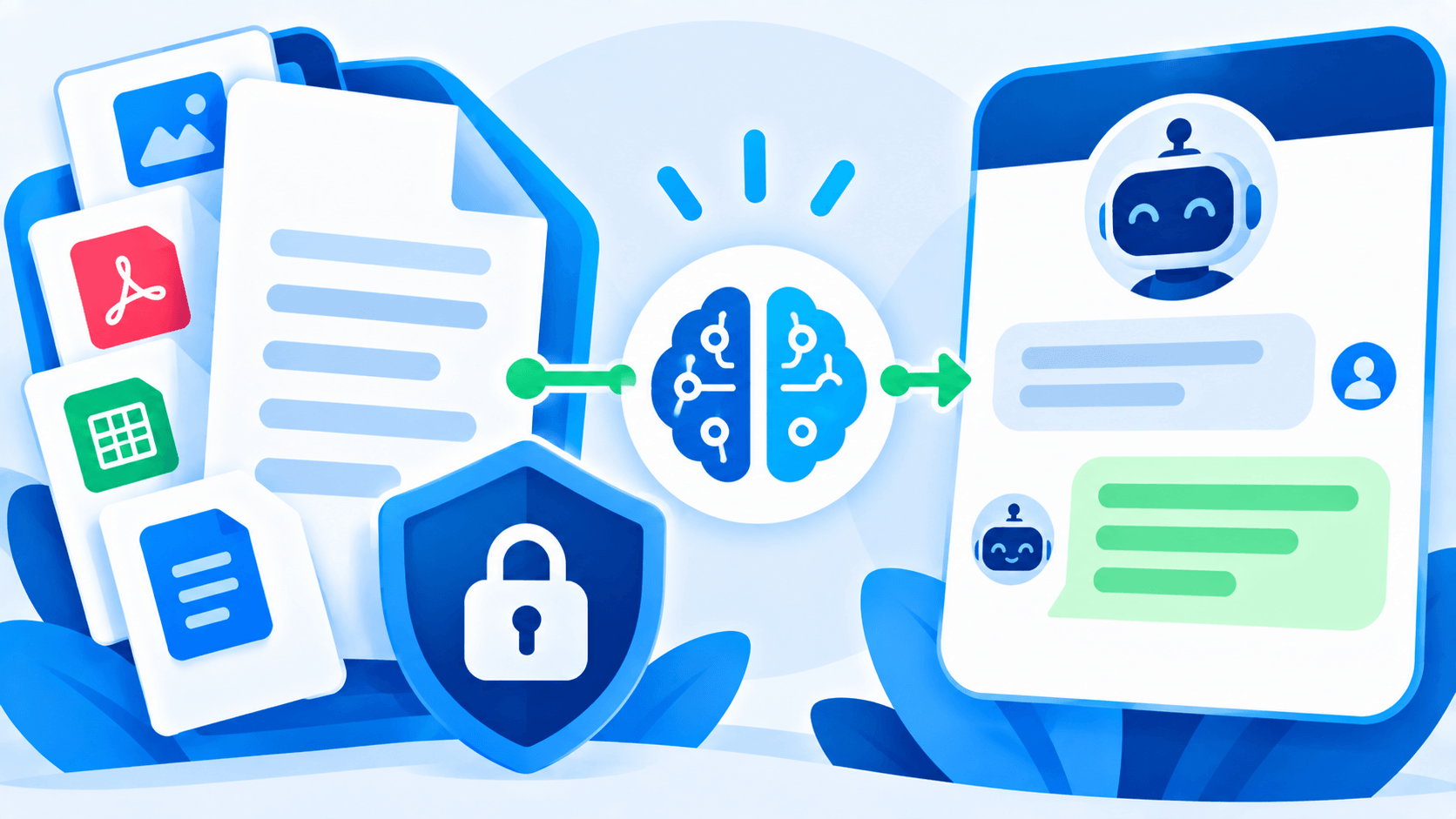
Pro Max adds an open-text chat that answers visitor questions — but it works nothing like a typical AI chatbot, and that is a deliberate choice, not a limitation. You upload a single Word document containing the information you want the chatbot able to answer from — services, pricing, hours, policies, whatever is relevant to your business. When a visitor asks a question, Lead Flow searches that document on your own server and returns the matching section. Nothing about the visitor’s question, and nothing from your uploaded document, is ever sent to OpenAI, Gemini, or any other outside AI service. There is no external API call anywhere in this feature, by design.

That local-only architecture exists because of who actually needs this feature most: clinics, hospitals, and other regulated or privacy-conscious businesses, where sending patient questions to a third-party AI service is not an acceptable trade-off just to get a chatbot. If the document does not contain an answer to a visitor’s question, Lead Flow says so plainly and points them to your contact details rather than guessing — an honest “we don’t have that information, here’s how to reach us” instead of a confident-sounding answer that happens to be wrong.

Sitting in front of all of this is a safety filter that runs before any document search happens at all. Questions that read as a request for diagnosis, medication guidance, or anything resembling a medical emergency are intercepted immediately and redirected to a direct contact or booking prompt — the filter does not let a document search even attempt to answer that category of question, regardless of what the uploaded document happens to contain. It is a keyword-based safeguard, not a substitute for professional judgment, but it means the chatbot’s default behavior in a sensitive moment is to redirect a person toward a human, not to improvise.

No WhatsApp Business API, on any tier

It is worth being explicit about this because it is easy to assume otherwise: Lead Flow never requires a WhatsApp Business API account, on Lite or on Pro Max. The visitor always sends their message from their own personal WhatsApp. That means no Meta approval process, no monthly platform fee, no per-conversation charge, and nothing that can suddenly get suspended by a policy review on a platform you do not control. What you are paying for is the lead-capture, routing, tracking, and document-answering built around that simple mechanism — not access to WhatsApp itself.

Common scenarios this actually solves

A visitor taps the WhatsApp button on a clinic’s site at 9pm, types nothing, and closes the tab: with a plain button, that visitor is gone without a trace. With Lead Flow, their name and number are already saved and already in the clinic’s inbox before they ever decided whether to send a message. A marketing team runs three simultaneous ad campaigns and needs to know which one is actually converting into enquiries, not just clicks: UTM tracking on every lead answers that directly, rather than requiring a separate analytics investigation after the fact. A multi-doctor practice gets a general enquiry and normally has to manually figure out which doctor it belongs to and forward it: department routing means the enquiry already opens WhatsApp on the correct doctor’s number, addressed to the correct department, with no manual triage step at all. A small business closes at 6pm and does not want to look unresponsive to an 11pm enquiry: a business-hours display rule shows an offline message instead of implying someone is available, while still capturing the lead for a morning follow-up.

Lead Flow vs. a plain WhatsApp button, and vs. paid API platforms

A free WhatsApp button plugin and Lead Flow Lite can look identical at first glance — both put a floating icon on the page. The difference only shows up in what happens to the visitors who do not follow through: a plain button loses them completely, while Lead Flow still has their name and number. That single difference is usually worth more than every other feature combined, because the entire value of a lead-capture tool is measured in the leads it would otherwise have lost.

At the other end of the market are WhatsApp Business API platforms — genuinely powerful, and genuinely expensive, with per-conversation fees, a Meta approval process, and a setup complexity that assumes a dedicated team to manage it. Lead Flow deliberately does not compete in that space. It solves the specific, much more common problem — capturing and routing leads that would otherwise start (or fail to start) as a simple website WhatsApp click — without asking a small business or a single-location clinic to take on API integration and per-message billing to get there.

What actually gets stored, and where

Leads — names, phone numbers, and any optional fields you enable — are stored entirely within your own WordPress database. Lead Flow does not receive, access, or retain a copy of your leads or your uploaded knowledge base document. Higher tiers can send lead data onward to a third-party integration you personally configure, such as a webhook into your own CRM, and that connection is governed by that provider’s terms, not ours. The plugin’s own connection to PolyBright is limited to a periodic license check — your license key, your site’s domain, and the plugin version — used only to confirm your license is valid and check for updates.

Why a one-time payment

Every paid tier of Lead Flow is a single purchase, not a subscription. You get twelve months of updates and support from the date of purchase — Pro Max additionally includes an onboarding call — and once that window closes, the plugin keeps working exactly as it did the day before. You simply stop receiving new versions until you choose to renew. Nothing about lead capture, routing, or the document chatbot gets disabled because a renewal date passed, and there is no recurring charge sitting on a card you have to remember to cancel.

Who this is actually built for

A local service business — a salon, a repair shop, a restaurant — gets real value from Lite alone: a WhatsApp button that actually records who tapped it, with zero cost and zero setup complexity. A business running paid ad campaigns needs Pro’s UTM tracking to know which campaign is actually producing enquiries rather than just traffic. A multi-department operation — a clinic with several specialists, a school with several offices, an agency with several service lines — needs Pro’s department routing so enquiries land with the right person the first time instead of being manually redirected after the fact. A business that fields the same handful of questions constantly, and wants visitors to get an accurate answer at 11pm without anyone on staff awake to type one, is exactly who Pro Max was built for — provided the honest, sometimes unglamorous truth that it answers from a document you write, not from general knowledge, is the trade-off they actually want in exchange for keeping every question and answer private to their own server.

Education is worth calling out on its own: a school or training institute fielding the same admissions questions every enrollment season — fees, deadlines, eligibility, documents required — is close to the ideal Pro Max use case. The questions repeat predictably enough that one well-written document can answer most of them correctly, and keeping the whole exchange on the institute’s own server rather than an outside AI service matters when the questions often involve a prospective student’s personal circumstances.

Getting started

Install Lite, and the core capture-before-chat mechanic is already running — there is nothing else required to start seeing which visitors actually intend to reach you versus which ones are just browsing. When department routing, tracking, the guided chatbot, or the document-based assistant become useful, upgrading unlocks them instantly on the same install, with your existing leads, settings, and widget configuration untouched.

There is no trial countdown and no feature that quietly disappears if a decision takes a while. Lite is a genuinely complete lead-capture tool on its own, not a stripped-down preview of the real product, and it keeps working at full strength for as long as you use it. Upgrading is something you do when routing, tracking, or the document assistant become genuinely useful to how the business runs — not something a ticking clock talks you into before you are ready.

What Lead Flow does

A button that saves the lead

Most WhatsApp buttons hand the visitor to WhatsApp and hope. Lead Flow asks for name and phone first, saves the lead to your database, emails you, then opens WhatsApp with the details pre-filled. If they never send, you still have the lead.

  • Name and phone captured before the chat
  • Every lead saved and emailed
A button that saves the lead

Route each enquiry to the right person (Pro)

Add a department dropdown — dental, orthopaedics, admissions, sales — and each option opens WhatsApp on a different number with its own pre-filled message. No forwarding, no missed leads.

  • Multiple WhatsApp numbers by department
  • Department-specific messages
Route each enquiry to the right person (Pro)

Know where leads come from (Pro)

UTM source, medium, campaign, term and content are stored with every lead, GA4 events fire on submit, and a webhook can push each lead to Zapier, Make or your CRM.

  • UTM and page tracking
  • GA4, GTM, webhooks
Know where leads come from (Pro)

Qualify before you chat (Pro Plus)

Build a multiple-choice conversation in the dashboard — up to 8 answers per step, branching logic, unlimited depth. The visitor's answers are compiled into the WhatsApp message and saved with the lead. Still no API.

  • Drag-and-drop question builder
  • Branching with unlimited depth
Qualify before you chat (Pro Plus)

An AI that only knows your documents (Pro Max)

Upload a .docx knowledge base. The AI answers open questions strictly from it — nothing invented — and a safety filter blocks diagnosis, medication and emergency queries, redirecting them to booking. Bring your own OpenAI or Gemini key.

  • Answers only from your document
  • Medical safety filter
An AI that only knows your documents (Pro Max)

Everything included

Full feature-by-plan breakdown is above, under Compare every feature.

Floating WhatsApp button

Left or right, any colour, tooltip, pulsing animation.

Lead capture form

Name, phone, optional email and GDPR consent (Pro).

Leads dashboard

Every lead with page, time, search and date filters.

Email alerts

Instant notification for every lead; multiple recipients (Pro).

Department routing

Different WhatsApp numbers per enquiry type (Pro).

Display rules

Pages, device, business hours, scroll and exit intent (Pro).

UTM and GA4 tracking

Know which campaign produced the lead (Pro).

Webhooks

Send leads to Zapier, Make or any CRM (Pro).

MCQ chatbot

Guided questions with branching logic (Pro Plus).

AI chatbot

Answers only from your uploaded document (Pro Max).

Safety filter

Blocks unsafe medical queries and redirects to booking (Pro Max).

No WhatsApp API

Visitor sends from their own number — zero per-message cost.

Frequently asked questions

Do I need a WhatsApp Business API account?

No. Lead Flow uses WhatsApp click-to-chat: the visitor sends the first message from their own WhatsApp. No Meta approval, no provider, no per-message fees — on every plan including Pro Max.

What makes this different from a normal WhatsApp button?

The lead is captured and saved before WhatsApp opens. A plain button loses everyone who closes the app without sending; Lead Flow keeps their name, phone and what they wanted.

Can different enquiries go to different WhatsApp numbers?

Yes, from Pro. Add a department dropdown and map each option to its own number and pre-filled message.

How does the AI chatbot avoid making things up?

Pro Max answers strictly from the .docx you upload and says "contact us" when the answer is not there. A safety filter blocks diagnosis, medication and emergency questions and redirects them to booking.

Which AI providers are supported?

OpenAI and Google Gemini, with your own API key, so you control the cost.

Is Lead Flow a subscription?

No. Pro, Pro Plus and Pro Max are one-time payments with 12 months of updates. The plugin keeps working after that.

How many sites does a licence cover?

One WordPress installation per licence. Staging and localhost do not count. Multisite is not supported yet.

Does it slow down my site?

No jQuery dependency, scoped CSS and assets loaded through wp_enqueue. The widget is a few kilobytes.

See the full Lead Flow support FAQ →

Get Lead Flow

Licence key by email in about a minute. Activate, and you are done.