

In short
- Quick Restore rewrites every stored URL to the new domain while it restores the site.
- It uses a serialization-safe method, so widgets, menus and plugin settings do not reset.
- Included on every plan. The free version restores backups up to 512 MB.
Why links break when you change a WordPress domain
WordPress stores full URLs in the database: in post content, image links, menus, widget settings and plugin options. When the files and database arrive on a new domain unchanged, the site half-loads. Images point back to the old address, links go to the old site, and some layouts fall apart.
The usual fix is a search-and-replace on the database. Done carelessly, that fix causes a second problem.
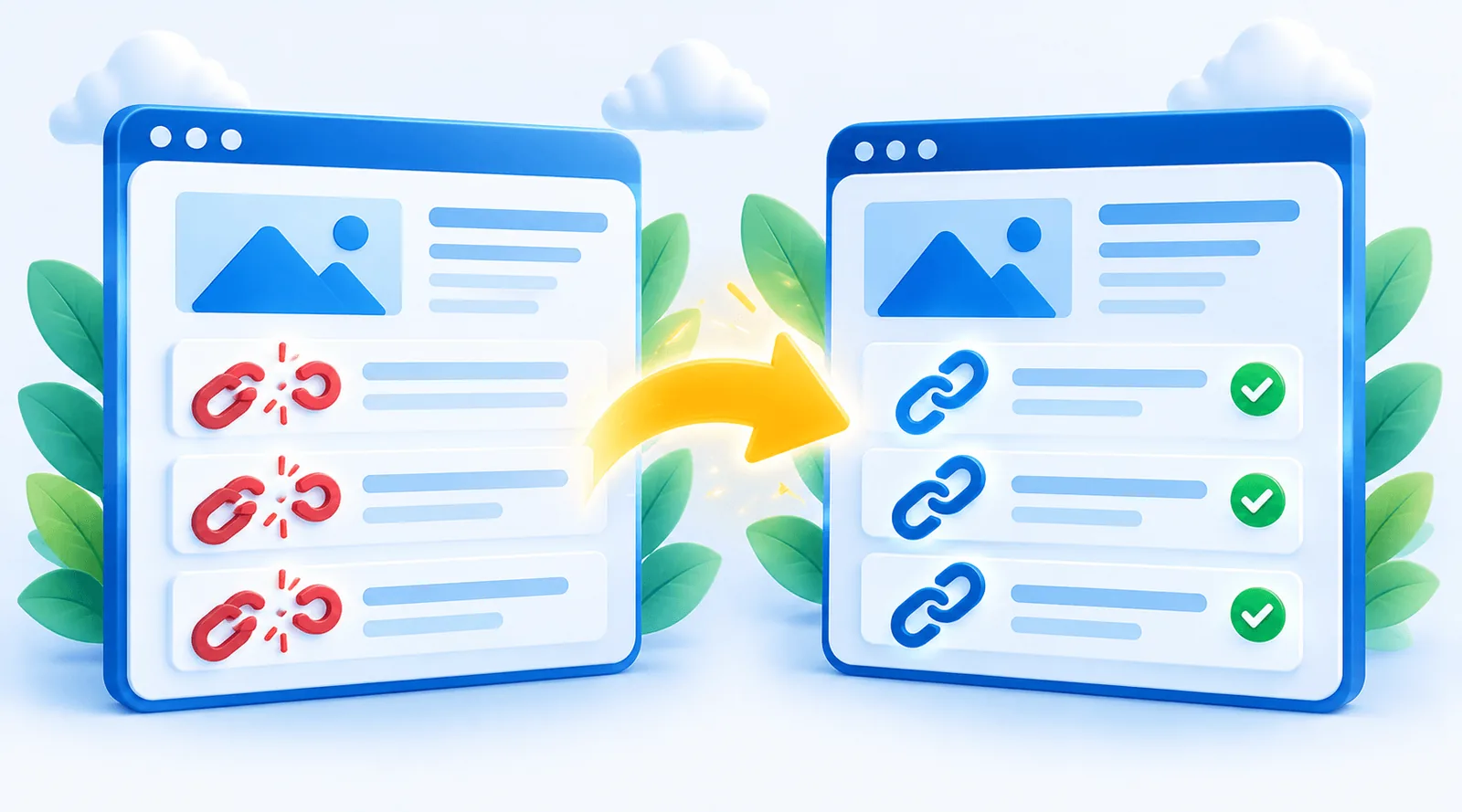
Serialized data: why a plain find-and-replace breaks WordPress
Many WordPress settings are saved as serialized data: text that records the exact length of every value it contains. If a plain find-and-replace swaps an old domain for a new one of a different length, the recorded lengths no longer match. WordPress then cannot read the setting and treats it as empty.
The result is the familiar broken migration: widgets vanish, some page-builder sections disappear, and plugin settings reset without warning.
What Quick Restore does instead
Quick Restore reads each serialized value, replaces the old address inside it, and recalculates the stored lengths so the data stays valid. It does this during the restore, so you do not need a separate search-and-replace plugin afterwards.
How to restore a WordPress site on a new domain
Back up the old site
Create a Quick Restore backup, or use an existing .wpress file.
Install on the new domain
Set up WordPress on the new domain and add the free Quick Restore plugin.
Restore
Choose the backup and confirm. URLs are rewritten to the new domain as it restores.
The backup uploads in chunks, so a small upload limit on the new host does not get in the way. For a complete walkthrough of the whole move, including DNS and hosting, read how to move a WordPress site to a new domain.
What to check after moving to a new domain
- URLs typed directly into theme or plugin code files are not in the database, so they are not rewritten. Search your theme for the old domain.
- Update your address in external services: email platform, CDN, payment gateway webhooks.
- Add the new domain in Google Search Console and use its Change of Address tool.
- Keep the old domain redirecting to the new one with 301 redirects, so visitors and search engines follow the move.
Plans and limits
Restoring to a new domain is included on Free, Pro, Pro Plus and Max. The free version restores backups up to 512 MB; Pro and above restore any size. Staging and localhost installs never count against your licence. See Quick Restore pricing.
Before you move WordPress to a new domain: a checklist
- Make a fresh backup of the live site just before the move, not from last week.
- Lower your DNS TTL a day or two ahead if you are also changing hosts, so the switch spreads faster.
- Set up SSL on the new domain before you restore, so the site loads on https from the start.
- Note third-party settings that mention the old domain: payment gateways, email sending, CDN, analytics.
- Plan your redirects from every old URL to the same path on the new domain.
Keeping your SEO when the domain changes
Search engines treat a new domain as a new site until they see the old one redirecting to it. Keep 301 redirects from the old domain to matching pages on the new one for at least a year, submit the new sitemap in Google Search Console, and use its Change of Address tool. A short dip in traffic in the first weeks is normal while Google processes the move.
Frequently asked questions
No. URL replacement happens during the restore.
Yes. They are stored as serialized data, and Quick Restore rewrites them with the lengths recalculated.
Make sure the new site’s address in WordPress Settings uses https, then check a few pages for mixed-content warnings in your browser.
No. Deactivate the plugin on the old domain and activate it on the new one; the licence moves with you.