

The short version
- Duplicator is a strong migration tool, built around an archive plus an installer.php script you run on the destination server.
- Quick Restore keeps everything inside WordPress: upload one file on the new site and confirm.
- Duplicator Pro is sold as a yearly licence. Quick Restore’s paid plans are one-time payments from $39.00.
What Duplicator Lite does and does not do
Duplicator Lite, the free version, packages a site into an archive and creates an installer.php file. You upload both to the new server, usually by FTP or your host’s file manager, and run the installer in a browser. According to Duplicator’s own free vs Pro guide, Lite limits its DupArchive format to about 500 MB, and scheduled backups and cloud storage are Pro features.
Quick Restore’s free version restores backups up to 512 MB, uploads them in chunks from inside WordPress, rewrites links on a new domain and imports .wpress files.
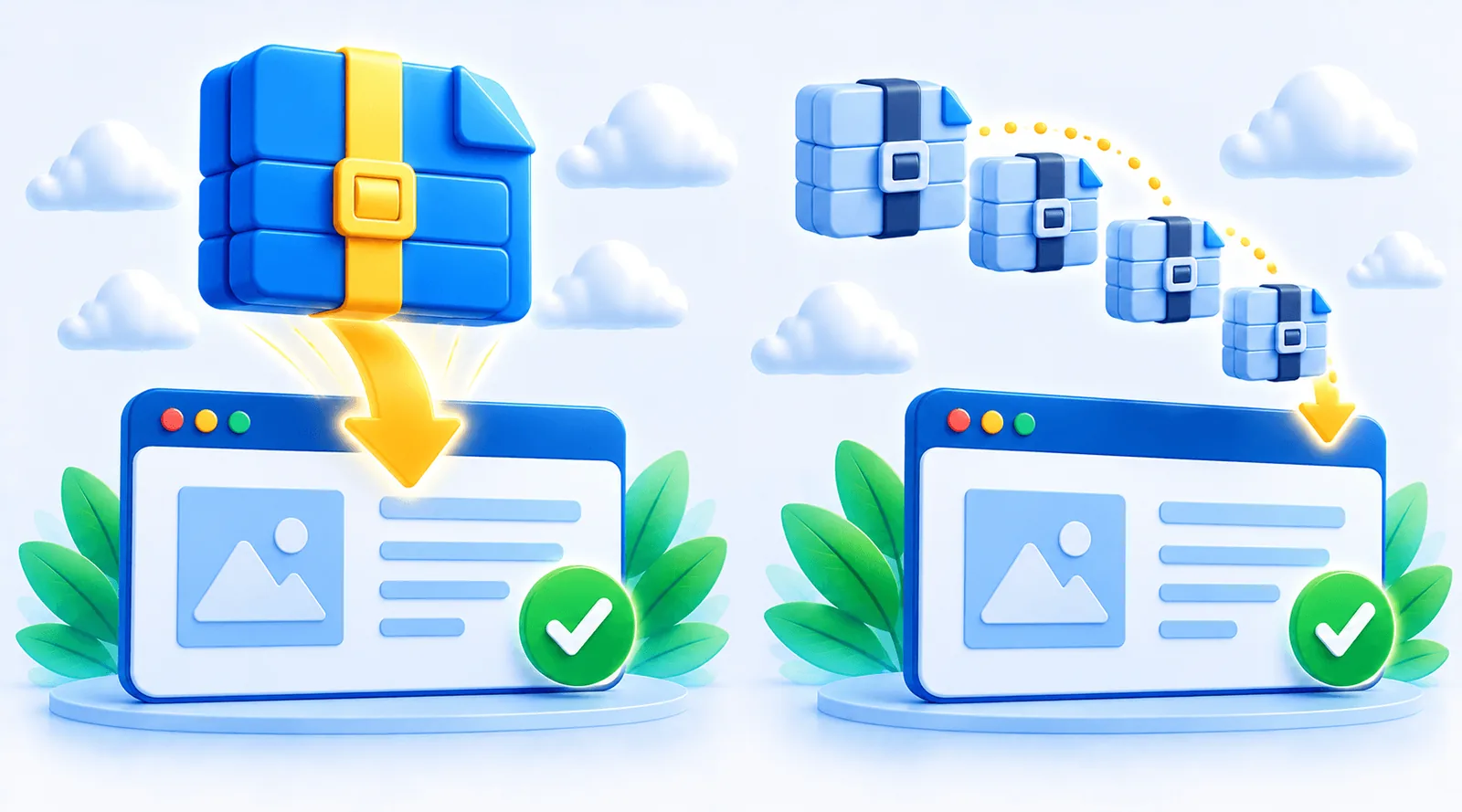
The installer workflow vs a single-file restore
Duplicator
You need file access to the destination server and a database ready for the installer. It gives developers a lot of control. It is also where many “Duplicator installer not working” searches start: file permissions, a missing database, or an interrupted upload on the destination.
Quick Restore
Install WordPress and Quick Restore on the destination, choose the backup file and confirm. No FTP and no installer script. The backup is validated before anything is overwritten, and URLs are rewritten if the domain changed.
Duplicator Pro vs Quick Restore paid plans
Duplicator Pro adds scheduled backups, cloud storage, drag-and-drop migrations and, on higher plans, Multisite and staging. It is sold as yearly licences starting at 2 sites; first-year prices are often discounted, so check duplicator.com for today’s price. Quick Restore Pro removes the free restore limit for a one-time payment, Pro Plus adds scheduling, and Max covers 5 sites.
Choose Duplicator if
- you want cloud storage or Multisite
- you are comfortable with FTP and an installer script
- you need staging tools on a higher Pro plan
Choose Quick Restore if
- you want to restore without FTP or an installer
- your host has a small upload limit
- you prefer a one-time payment
Which one should you choose?
If you migrate complex sites and like full control over the server side, Duplicator Pro is a proven choice. If you want backups and migrations handled inside WordPress with one file, no installer, and no yearly fee, Quick Restore is the simpler option.
Common reasons a Duplicator installer fails
- File permissions on the destination folder stop the archive from extracting.
- Database details entered in the installer do not match a database that exists on the new host.
- Incomplete upload of the archive by FTP, so the installer reads a damaged file.
- Leftover files from an earlier attempt in the same folder.
Each has a fix, and Duplicator’s own documentation covers them. Quick Restore avoids this whole class of problems by restoring from inside a working WordPress install: if WordPress is running on the new host, the restore can run.
Updates, support and licences
Duplicator Pro licences are yearly. Quick Restore’s paid plans include 12 months of updates and support; after that the plugin keeps working with all its features, and renewing is only needed for new versions.
Frequently asked questions
Yes, if you want a single-file restore inside WordPress and a one-time payment. For cloud storage or Multisite, Duplicator Pro fits better.
Common causes are file permissions, a missing or wrong database on the destination, or an incomplete upload. Quick Restore avoids the installer step entirely.
No. It restores its own .wpqr files and .wpress files. Make a fresh Quick Restore backup of the site instead.
Yearly licences start at 2 sites, with frequent first-year discounts. Check duplicator.com for the current price.