What Lead Flow actually does
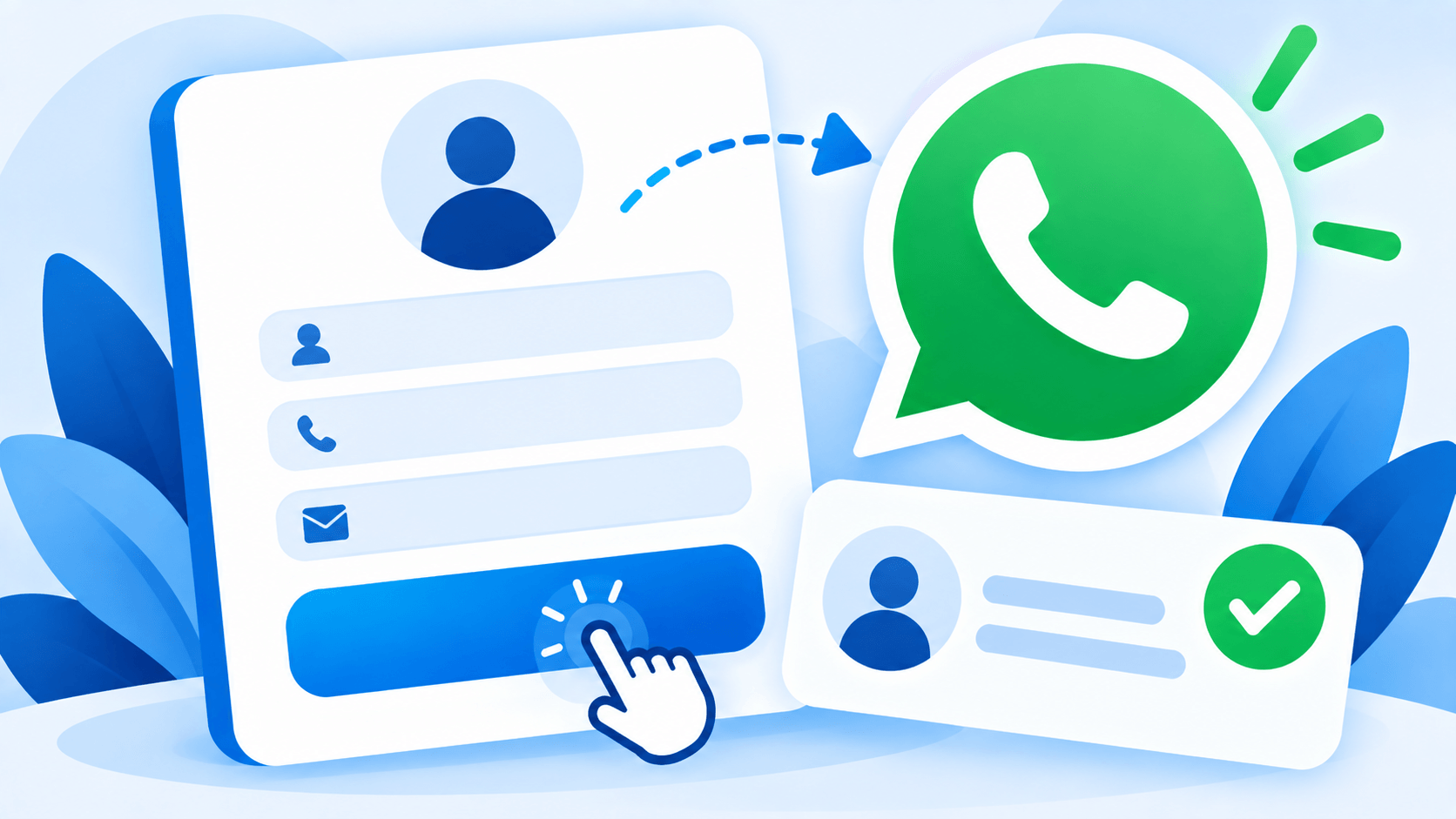
A floating WhatsApp button sits on your site. When a visitor taps it, Lead Flow shows a short form — name and phone, at minimum — before WhatsApp ever opens. That lead is saved to your WordPress dashboard and emailed to you immediately, and only then does WhatsApp open on the visitor’s own phone, with a message already written. There is no WhatsApp Business API account to apply for, no approval process to wait on, and no per-message fee, because the visitor is sending from their own personal WhatsApp the entire time — Lead Flow just makes sure the conversation, and the lead behind it, is never lost even if that message never actually gets sent.
Why “capture before chat” is the entire point
A plain WhatsApp button is a bet you have no way of tracking: you do not know how many visitors tapped it, how many actually sent a message, or what happened to the ones who did not. Lead Flow removes the guessing. Every tap that reaches the form becomes a recorded lead regardless of what happens next in WhatsApp itself, which means your lead count reflects genuine interest, not just how many people successfully completed a hand-off to a separate app. For a business where a missed enquiry is a missed sale or a missed patient, that difference between “we think people are interested” and “here are their names and numbers” is the entire value of the plugin.
From a button to an actual lead pipeline
Lite is a complete, permanently free WhatsApp lead-capture widget: the button, the capture form, unlimited leads saved in your dashboard, a leads overview with 7 and 30 day stats, and an email alert the moment someone gets in touch. It is not a trial — it stays fully functional for as long as you use it.
Pro turns that widget into something closer to a lead pipeline. An optional email field and GDPR consent checkbox make the form fit for businesses that need documented consent. Every lead carries its UTM source, medium, and campaign, so you can see which ad or post actually produced the enquiry instead of guessing from total traffic. A department dropdown routes different enquiry types to different WhatsApp numbers with their own pre-filled messages — a dental enquiry goes to the dentist’s number, a billing question goes to admin, and nothing has to be manually forwarded between departments. Display rules let you show the widget only on the pages, devices, or hours you actually want it visible on, with a business-hours-aware offline message for the rest of the time. A webhook can push every lead straight into Zapier, Make, or a CRM the moment it is captured, and GA4 events let the widget’s activity show up alongside the rest of your analytics instead of living in a separate silo.
Pro Plus adds a guided, multiple-choice conversation that runs before WhatsApp opens — built in the dashboard with a drag-and-drop question builder, branching logic, and up to eight answers per step. Instead of a single open text field, a visitor can be walked through two or three quick questions, and their answers are compiled directly into the WhatsApp message and saved with the lead, so whoever picks up the conversation already has context instead of starting from “how can I help you today.”
Pro Max: a local document engine, not an external AI
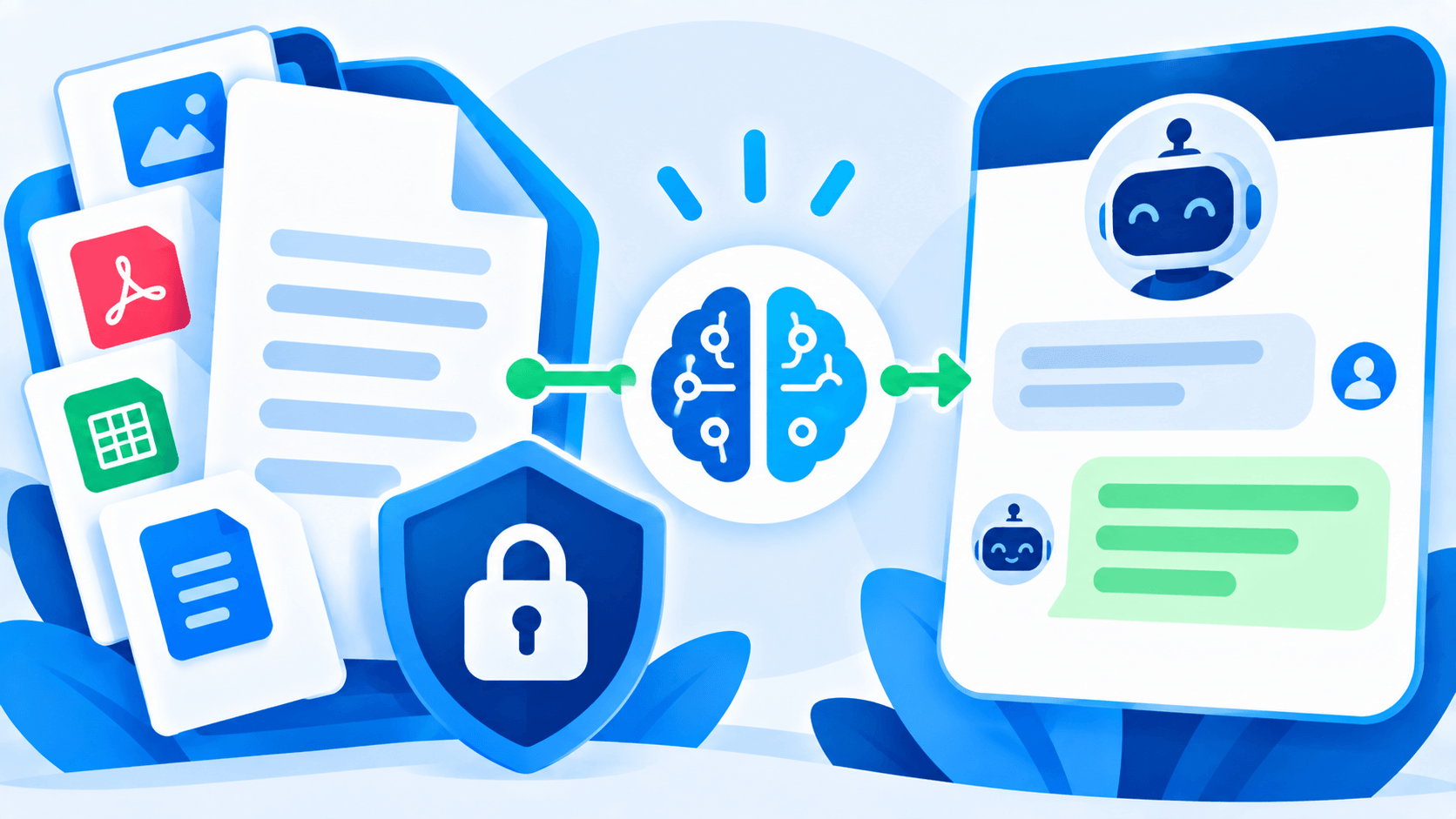
Pro Max adds an open-text chat that answers visitor questions — but it works nothing like a typical AI chatbot, and that is a deliberate choice, not a limitation. You upload a single Word document containing the information you want the chatbot able to answer from — services, pricing, hours, policies, whatever is relevant to your business. When a visitor asks a question, Lead Flow searches that document on your own server and returns the matching section. Nothing about the visitor’s question, and nothing from your uploaded document, is ever sent to OpenAI, Gemini, or any other outside AI service. There is no external API call anywhere in this feature, by design.
That local-only architecture exists because of who actually needs this feature most: clinics, hospitals, and other regulated or privacy-conscious businesses, where sending patient questions to a third-party AI service is not an acceptable trade-off just to get a chatbot. If the document does not contain an answer to a visitor’s question, Lead Flow says so plainly and points them to your contact details rather than guessing — an honest “we don’t have that information, here’s how to reach us” instead of a confident-sounding answer that happens to be wrong.
Sitting in front of all of this is a safety filter that runs before any document search happens at all. Questions that read as a request for diagnosis, medication guidance, or anything resembling a medical emergency are intercepted immediately and redirected to a direct contact or booking prompt — the filter does not let a document search even attempt to answer that category of question, regardless of what the uploaded document happens to contain. It is a keyword-based safeguard, not a substitute for professional judgment, but it means the chatbot’s default behavior in a sensitive moment is to redirect a person toward a human, not to improvise.
No WhatsApp Business API, on any tier
It is worth being explicit about this because it is easy to assume otherwise: Lead Flow never requires a WhatsApp Business API account, on Lite or on Pro Max. The visitor always sends their message from their own personal WhatsApp. That means no Meta approval process, no monthly platform fee, no per-conversation charge, and nothing that can suddenly get suspended by a policy review on a platform you do not control. What you are paying for is the lead-capture, routing, tracking, and document-answering built around that simple mechanism — not access to WhatsApp itself.
Common scenarios this actually solves
A visitor taps the WhatsApp button on a clinic’s site at 9pm, types nothing, and closes the tab: with a plain button, that visitor is gone without a trace. With Lead Flow, their name and number are already saved and already in the clinic’s inbox before they ever decided whether to send a message. A marketing team runs three simultaneous ad campaigns and needs to know which one is actually converting into enquiries, not just clicks: UTM tracking on every lead answers that directly, rather than requiring a separate analytics investigation after the fact. A multi-doctor practice gets a general enquiry and normally has to manually figure out which doctor it belongs to and forward it: department routing means the enquiry already opens WhatsApp on the correct doctor’s number, addressed to the correct department, with no manual triage step at all. A small business closes at 6pm and does not want to look unresponsive to an 11pm enquiry: a business-hours display rule shows an offline message instead of implying someone is available, while still capturing the lead for a morning follow-up.
Lead Flow vs. a plain WhatsApp button, and vs. paid API platforms
A free WhatsApp button plugin and Lead Flow Lite can look identical at first glance — both put a floating icon on the page. The difference only shows up in what happens to the visitors who do not follow through: a plain button loses them completely, while Lead Flow still has their name and number. That single difference is usually worth more than every other feature combined, because the entire value of a lead-capture tool is measured in the leads it would otherwise have lost.
At the other end of the market are WhatsApp Business API platforms — genuinely powerful, and genuinely expensive, with per-conversation fees, a Meta approval process, and a setup complexity that assumes a dedicated team to manage it. Lead Flow deliberately does not compete in that space. It solves the specific, much more common problem — capturing and routing leads that would otherwise start (or fail to start) as a simple website WhatsApp click — without asking a small business or a single-location clinic to take on API integration and per-message billing to get there.
What actually gets stored, and where
Leads — names, phone numbers, and any optional fields you enable — are stored entirely within your own WordPress database. Lead Flow does not receive, access, or retain a copy of your leads or your uploaded knowledge base document. Higher tiers can send lead data onward to a third-party integration you personally configure, such as a webhook into your own CRM, and that connection is governed by that provider’s terms, not ours. The plugin’s own connection to PolyBright is limited to a periodic license check — your license key, your site’s domain, and the plugin version — used only to confirm your license is valid and check for updates.
Why a one-time payment
Every paid tier of Lead Flow is a single purchase, not a subscription. You get twelve months of updates and support from the date of purchase — Pro Max additionally includes an onboarding call — and once that window closes, the plugin keeps working exactly as it did the day before. You simply stop receiving new versions until you choose to renew. Nothing about lead capture, routing, or the document chatbot gets disabled because a renewal date passed, and there is no recurring charge sitting on a card you have to remember to cancel.
Who this is actually built for
A local service business — a salon, a repair shop, a restaurant — gets real value from Lite alone: a WhatsApp button that actually records who tapped it, with zero cost and zero setup complexity. A business running paid ad campaigns needs Pro’s UTM tracking to know which campaign is actually producing enquiries rather than just traffic. A multi-department operation — a clinic with several specialists, a school with several offices, an agency with several service lines — needs Pro’s department routing so enquiries land with the right person the first time instead of being manually redirected after the fact. A business that fields the same handful of questions constantly, and wants visitors to get an accurate answer at 11pm without anyone on staff awake to type one, is exactly who Pro Max was built for — provided the honest, sometimes unglamorous truth that it answers from a document you write, not from general knowledge, is the trade-off they actually want in exchange for keeping every question and answer private to their own server.
Education is worth calling out on its own: a school or training institute fielding the same admissions questions every enrollment season — fees, deadlines, eligibility, documents required — is close to the ideal Pro Max use case. The questions repeat predictably enough that one well-written document can answer most of them correctly, and keeping the whole exchange on the institute’s own server rather than an outside AI service matters when the questions often involve a prospective student’s personal circumstances.
Getting started
Install Lite, and the core capture-before-chat mechanic is already running — there is nothing else required to start seeing which visitors actually intend to reach you versus which ones are just browsing. When department routing, tracking, the guided chatbot, or the document-based assistant become useful, upgrading unlocks them instantly on the same install, with your existing leads, settings, and widget configuration untouched.
There is no trial countdown and no feature that quietly disappears if a decision takes a while. Lite is a genuinely complete lead-capture tool on its own, not a stripped-down preview of the real product, and it keeps working at full strength for as long as you use it. Upgrading is something you do when routing, tracking, or the document assistant become genuinely useful to how the business runs — not something a ticking clock talks you into before you are ready.