
In short
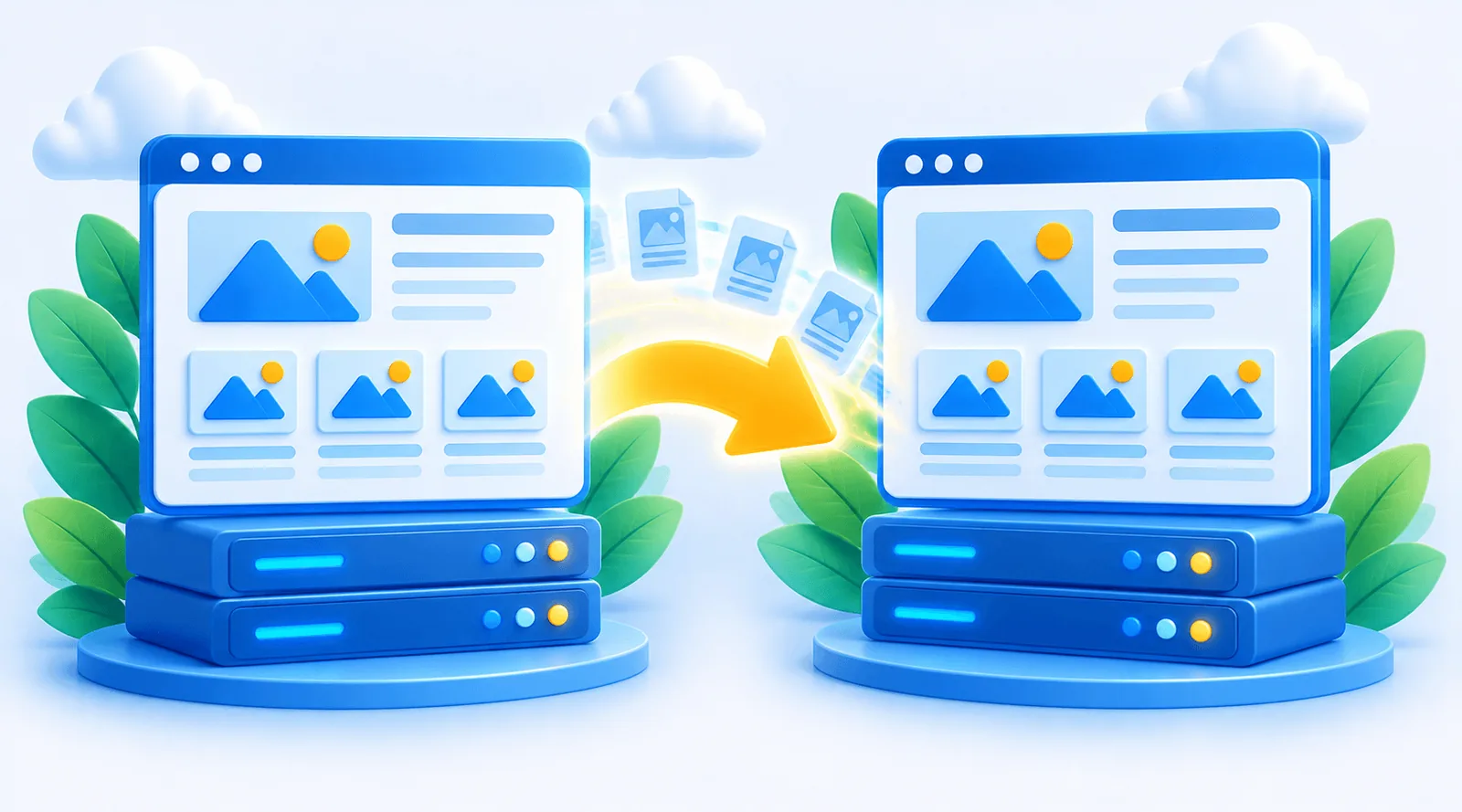
- Cloning is a backup plus a restore somewhere else: one .wpqr file, one restore.
- Works for a staging copy, a move to a new host, or a duplicate on a new domain.
- Links are rewritten to the new address automatically. The free version handles sites up to 512 MB.
When to clone a WordPress site
- Staging: test a redesign or a risky update on a copy before touching the live site.
- New host: move to faster or cheaper hosting without rebuilding.
- New domain: rebrand, or launch a sister site from an existing one.
- Template: start new client sites from a site you have already set up.

How to clone a WordPress site with Quick Restore
Back up the original
Create a Quick Restore backup of the site you want to copy.
Prepare the destination
Install WordPress where the copy should live and add Quick Restore.
Restore the copy
Choose the backup and confirm. The copy’s links point to its own address.
The backup uploads in chunks, so the destination host’s upload limit is not a problem. Before anything is overwritten, the backup is validated and you confirm.
Cloning a WordPress site to a new host
If the domain stays the same, restore the backup on the new host, check the site using a temporary URL or your computer’s hosts file, then point the domain to the new server. If the domain changes as well, Quick Restore rewrites stored URLs during the restore. See restoring WordPress to a new domain.
Cloning a WordPress site for staging
A staging copy lets you break things safely. Restore the live backup on a subdomain or local install, make your changes there, and when you are happy, back up the staging site and restore it on the live address. Staging and localhost installs never count against your Quick Restore licence.
Tip: discourage search engines from indexing a staging copy (Settings → Reading), so it does not compete with your live site.
Choosing a WordPress migration plugin for cloning
Check three things: can it restore a backup the size of your site, does it work with your host’s upload limit, and does it rewrite links safely on a new domain. Quick Restore’s free version restores up to 512 MB; Pro restores any size for a one-time payment from $39.00. It also imports .wpress files from All-in-One WP Migration.
What to change after cloning a WordPress site
- Site title and admin email under Settings → General, if the clone is a separate site.
- Search engine visibility on staging copies, so they are not indexed.
- Payment gateways: switch a staging store to test mode so no real payments are taken.
- Outgoing email: pause newsletters and automated emails on copies, so customers are not emailed twice.
- Analytics: remove or change the tracking code on staging copies, so test visits do not count.
Migrating vs cloning: the same tool, two jobs
Moving to a new host is a clone followed by switching the domain’s DNS to the new server and retiring the old copy. Because Quick Restore uses the same backup and restore for both, you can clone first, check everything on the new server, and only then point the domain at it. The old site keeps running until you are sure.
Frequently asked questions
They use the same steps. Migrating moves the site; cloning leaves the original in place and makes a copy.
Yes. The database, including users, is part of the backup.
Yes, and localhost installs never count against your licence.
Not yet. Quick Restore supports single WordPress sites.